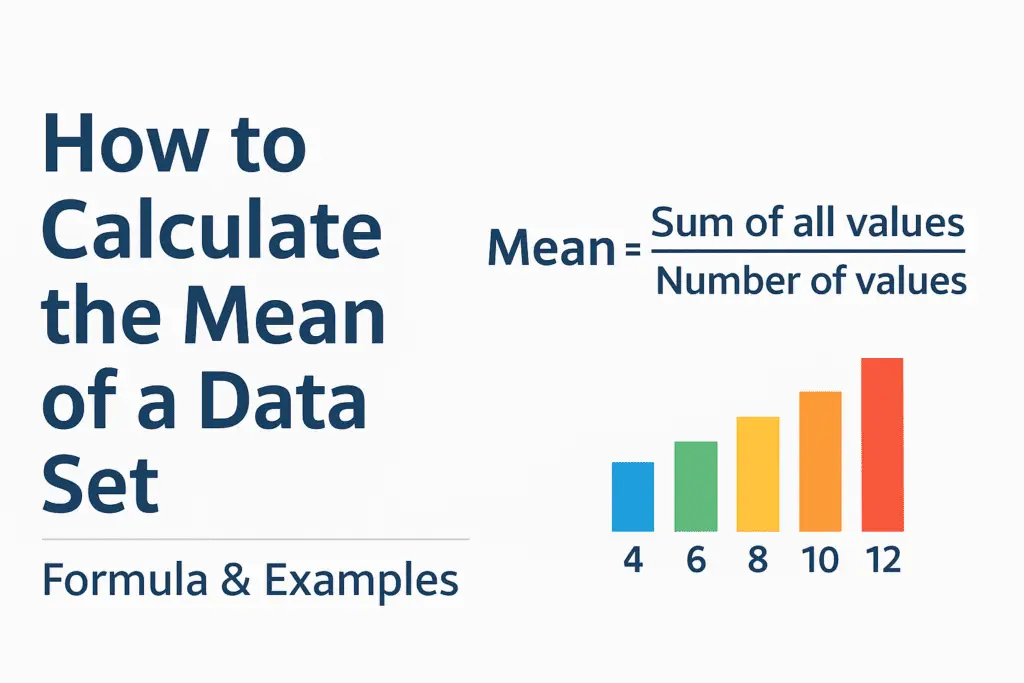
The mean is the central point of a data set, and it is usually the first number you calculate. When someone asks what is the mean of a data set, they are simply looking for the average of all the values combined. The definition of mean in math is easy to understand. You add all the numbers together and divide the total by the number of values.
It lets you compare one group of numbers with another in a single figure.
A mean calculator returns the same answer without the arithmetic. These tools save time, especially when working with long lists of numbers. Even so, the formula is worth knowing, because variance and standard deviation both start from the mean.
Before we move into the formula of mean and step by step methods, let’s start with what the mean really means and how it helps in analyzing a data set.
Table of Contents
What Is the Mean of a Data Set
The mean of a data set is the value that represents the average of all numbers in that group. It is also known as the arithmetic mean. When you calculate the mean, you are finding a single number that summarizes the overall size or pattern of the entire data set.
In simple terms, the mean shows what the central value would look like if all the numbers were evenly distributed. It helps them understand how data behaves.
The definition of mean in math is clear. You add all the values in the list, then divide by the number of values. This basic idea is used in schools, research, science, finance, and many other fields where comparing data is important.
The mean is especially useful when you have a list of numbers and you want a single value that gives an overall picture. Whether you calculate the mean manually or use a mean calculator online, the meaning stays the same. A mean calculator only speeds up the process.
Mean Formula
The mean formula is the basic method used to find the average value of a data set. In statistics, the mean formula helps you calculate the central value of any group of numbers. The formula is short, and variance, standard deviation and regression all build on it.
Mean Formula in Statistics
This is the official formula of mean. It tells you that to find the mean, you add all the numbers in the data set and then divide by how many numbers are in the list.
What the Formula of Mean Represents
- The sum of all values shows the total amount in the data set.
- The number of values shows how many numbers are included.
When you divide these two parts, you get the average, which is the mean. Understanding this becomes even more important when working with variance or standard deviation, where tools like standard deviation calculator are often used for accuracy.
Example Using the Mean Formula
If your data set is:
4, 6, 8, 10, 12
- Add all values: 4 + 6 + 8 + 10 + 12 = 40
- Count the values: there are 5 numbers
- Apply the formula of mean:
The mean of this data set is 8.
Knowing the mean formula in statistics is important because it is the foundation for calculating averages in larger and more complex data sets.
How to Calculate the Mean Step by Step
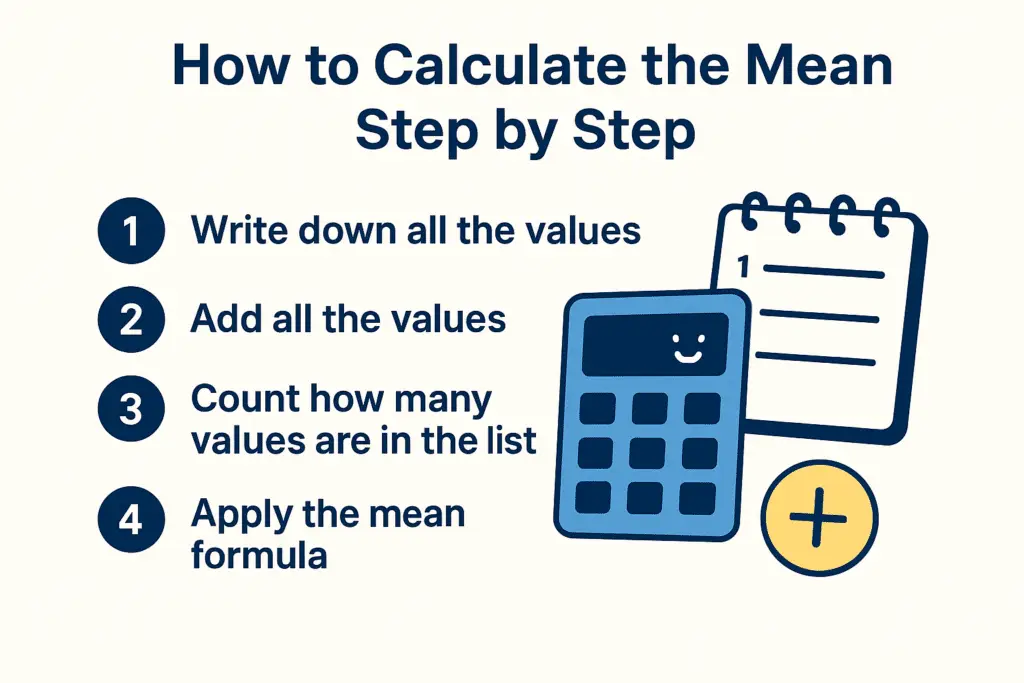
Learning how to calculate the mean is simple once you understand the formula. Whether you want to find the mean of a small list or calculate the mean of a large data set, the steps are always the same.
Step 1: Write Down All the Values
Start by listing all the numbers in your data set clearly.
Example: 5, 7, 9, 11, 13
Step 2: Add All the Values Together
Find the total of the numbers.
5 + 7 + 9 + 11 + 13 = 45
Step 3: Count How Many Values Are in the List
In this example, there are 5 numbers.
Step 4: Apply the Mean Formula
Use the formula of mean:
The mean of this data set is 9.
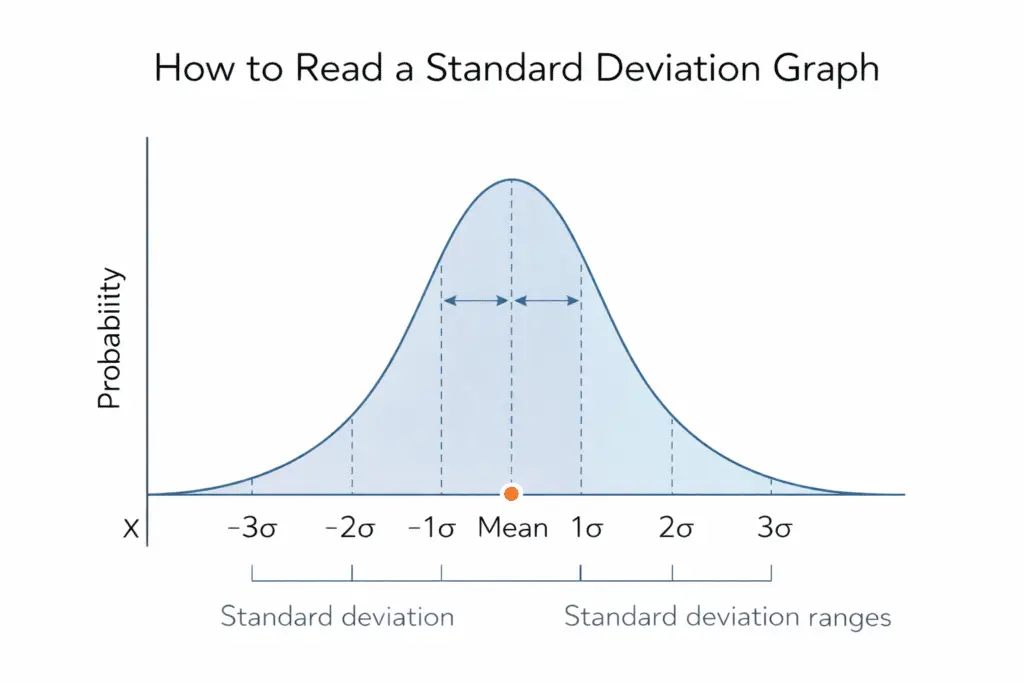
Once you know how to calculate the mean of a data set, learning standard deviation graphing gives deeper insight into how data values cluster and spread.
Common Mistakes To Avoid When Calculating the Mean
- Forgetting to count the number of values correctly
- Adding numbers incorrectly
- Using the wrong mean formula
- Mixing mean with median or mode
Understanding how to calculate the mean step by step will help you solve math problems, analyze statistics, and handle real life data with confidence.
Examples: Find the Mean
Here are three worked examples.
Example 1: Small Data Set
Data set: 3, 7, 10
Step 1: Add the values
3 + 7 + 10 = 20
Step 2: Count the values
There are 3 numbers.
Step 3: Apply the mean formula
The mean of this data set is 6.67.
Example 2: Medium Data Set
Data set: 12, 15, 18, 20, 25
Step 1: Add the values
12 + 15 + 18 + 20 + 25 = 90
Step 2: Count the values
There are 5 numbers.
Step 3: Apply the formula of mean
The mean of this data set is 18.
Example 3: Real Life Word Problem
A teacher recorded the scores of five students as 72, 80, 85, 90, and 93. What is the mean score?
Step 1: Add the scores
72 + 80 + 85 + 90 + 93 = 420
Step 2: Count the scores
There are 5 scores.
Step 3: Use the mean formula in statistics
The mean score of the students is 84.
These examples show that the mean formula works the same way for small, medium, and real life data sets. If you would rather not add by hand, the mean calculator does the same two steps.
Mean Calculator Online
A mean calculator adds the values and divides by the count for you. A mean calculator adds the values and divides by the count, so you do not have to track a running total. This is especially helpful when you are working with long lists of numbers or large data sets.
Why Use an Online Mean Calculator
1. Saves time
Manual calculations can take a long time, especially for bigger data sets. A mean calculator removes the running-total step where most errors happen.
2. Reduces mistakes
Human error is common in addition and counting. A calculator will not drop a value or miscount the total.
3. Easy to use for all users
You only need to paste the numbers in. No statistics background is required.
4. Works for small and large data sets
Whether you have 5 numbers or 500 numbers, the tool follows the same mean formula and provides instant results.
How the CalculatorsHub Mean Calculator Works
The online mean calculator by CalculatorsHub uses the standard formula of mean. You enter your data set, press calculate, and the tool instantly shows.
- The sum of all values
- The number of values
- The final mean
- Additional helpful details if needed
It follows the same mean formula in statistics that you would use manually, but with much faster processing.
When to Use the Online Mean Calculator
- When you need to find the mean quickly
- When working with long or complex data sets
- When your calculations involve decimals or large totals
- When you want accurate results without mistakes
Using a mean calculator online makes statistical work easier, faster, and more reliable.
Conclusion
The mean gives you a single value that represents the overall behavior of your data, whether you are working with small lists or large sets of numbers. By using the mean formula and following the simple steps, you can easily find the average of any group of values.
The examples below run the formula on real number sets. The two steps are the same whatever the data set size. For even faster results, a mean calculator online can save time and reduce the chances of mistakes, especially when working with long or complex data sets.
You can also paste your numbers into the mean calculator on this site.
Frequently Asked Questions (FAQs)
How to calculate mean?
To calculate the mean, add all the values in your data set and divide the total by the number of values. This simple method uses the standard mean formula.
Example: If your numbers are 4, 6, and 10, the total is 20. Divide 20 by 3 to get a mean of 6.67.
How to calculate mean arterial pressure?
Mean arterial pressure is found using this formula:
For example, if your blood pressure is 120 over 80, the calculation is:
80 + (40 ÷ 3) = 93.33
This value helps measure average pressure in arteries during a full heartbeat cycle.
How to calculate mean in Excel?
You can calculate the mean in Excel using the AVERAGE function.
Steps:
1, Select a cell
2, Type =AVERAGE(A1:A10)
3, Press Enter
Excel will instantly show the mean of the selected data range.
How do we calculate mean, median, and mode?
Mean: Add all values and divide by the total count.
Median: Arrange the numbers in order and find the middle number. If there are two middle values, average them.
Mode: The value that appears most often in the data set.
These three measures help describe the central tendency of a data set.
How to calculate geometric mean?
The geometric mean is calculated by multiplying all values in the data set and then taking the nth root, where n is the number of values.
Geometric Mean Formula: